Broadcast
A downloadable game for Windows
BROADCAST
Keep the beat. Fix the signal. Don't drop the connection.
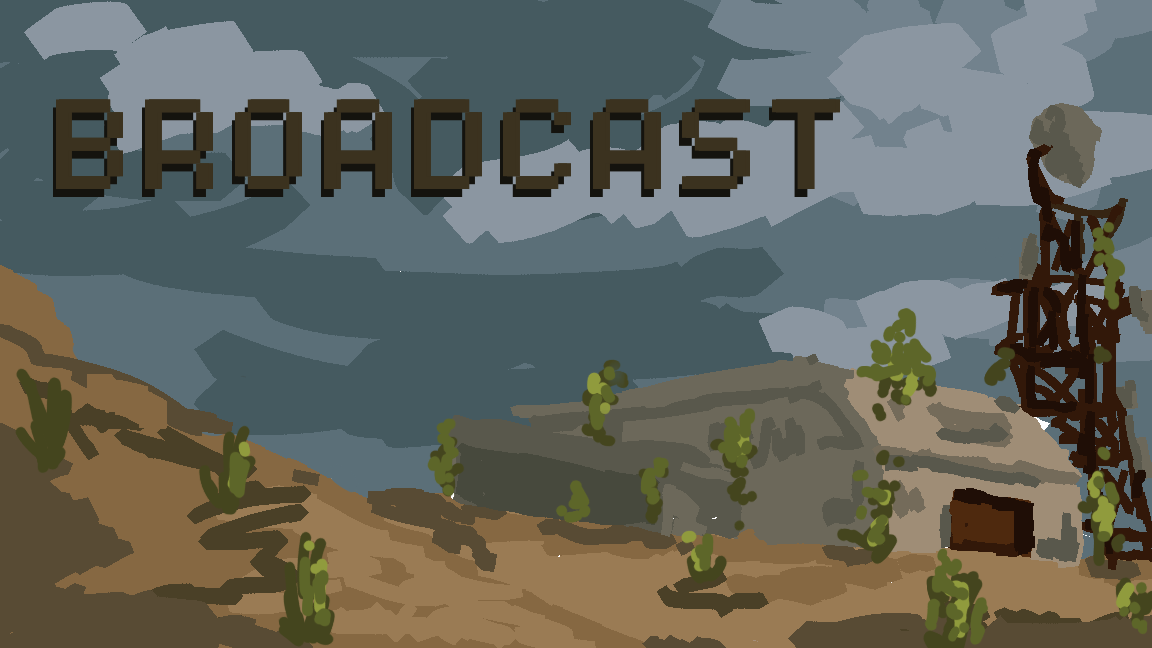
The world has gone quiet, but you aren't ready to give up. Trapped in a rusted bunker during a massive static storm, you and a partner have found a Mark IV Signal Transceiver. One of you must operate the manual frequency dials to keep the signal alive, while the other desperately repairs the failing hardware.
If you lose the rhythm, you lose the signal. If you can't solve the puzzles, you lose the connection.
THE ROLES (2-Player Asymmetric Co-op)
The Last Broadcast requires constant verbal communication. You cannot win alone.
- THE OPERATOR (Player 1): Play the rhythm game.
You are the heartbeat of the radio. Hit the notes to push the signal through the static. Stay alert, your screen holds more than just the rhythm. You must keep playing while carefully observing what appears around you, and clearly relay anything useful to the Engineer. - THE ENGINEER (Player 2): Solve the puzzles.
You have the repair manual. The Operator will describe what they see while maintaining the signal. Use their descriptions to interpret symbols, patterns, and signals. Decode their callouts, hit the right inputs, and unlock more frequency lanes for them to play.
CONTROLS & GAMEPLAY
As the Operator:
- Controls: Use the A, S, D, and F keys to hit the incoming transmission notes on the active lanes.
- The Mechanic: Tap short notes and hold down long notes. Every missed note damages the shared Signal Integrity Bar. If it reaches 0%, the broadcast dies and it's Game Over.
- The Catch: While maintaining the rhythm, pay close attention to everything on your screen. Important details may appear beyond the notes themselves. You must describe what you notice to your Engineer while keeping the beat steady.
As the Engineer:
- Controls: Use your Mouse to click, drag, and interact with the physical hardware panels.
- The Mechanic: Listen to the Operator's frantic descriptions of the locked lanes. Use your logic puzzles to decode their callouts into the correct sequence, password, or frequency.
- The Catch: You cannot transmit your puzzle solution unless the Operator keeps the Signal Integrity high (over 80%). If the progress bar is yellow, your solution will not go through and the game will not advance to the next puzzle. You must call out to the Operator to recover the signal into the green before transmitting. Successfully submitting a puzzle unlocks a new lane for the Operator.
HOW TO PLAY (Local Multiplayer)
This game requires two players on the same Wi-Fi network (LAN) or the same computer.
Option A: Playing on the SAME computer (Two Windows)
- Open two instances of the game.
- Player 1 clicks "Host Game" and selects a role.
- Player 2 leaves the IP address as
127.0.0.1and clicks "Join Game".
Option B: Playing on TWO DIFFERENT computers (Same Wi-Fi)
- Find the Host's IP: Player 1 (The Host) needs to find their local IPv4 Address.
- Windows: Open Command Prompt -> type
ipconfig-> look for IPv4 Address (e.g.,192.168.1.15). - Mac: Open System Settings -> Network -> Wi-Fi -> Details -> look for IP address.
- Windows: Open Command Prompt -> type
- Player 1 clicks "Host Game".
- CRITICAL: If Windows Defender or Mac Firewall pops up asking for network permission, you MUST click "Allow" or it will block the connection!
- Player 2 opens the game, deletes
127.0.0.1, types in Player 1's exact IP address, and clicks "Join Game".
MAC USERS - READ BEFORE PLAYING: Because this is a jam game, Apple's Gatekeeper will try to protect you from our indie code. If you get an "Unidentified Developer" or "App is Damaged" warning, do not delete the game! > * The Fix: Right-click the.appfile, hold theOptionkey, and click Open. This bypasses the security check.
By:
Team: Frog Eater
Names: Alanis Negroni, Juan Iranzo, Jose Rivera, Joshua Davila
University: UPRM
Download
Leave a comment
Log in with itch.io to leave a comment.